
M1 Scalping Premium Signal Indicator
Original price was: $6,000.00.$800.00Current price is: $800.00.
⭐ Indicator Features
- ✅ Original & Reliable Indicator
- ⏰ 24/7 Trading — Use Anytime
- ⚡ Instant ZIP Download
- ⏱️ Timeframes: M1 to W1
- 💻 Works on Mobile, Tablet & PC
- ♾️ Unlimited TradingView Accounts
- 📊 Scalping & Intraday Strategy
- 📝 Pine Script Source Code Included
- 🌍 Works on Forex, Crypto & Stocks
- 🛠️ Customer Support & Free Updates
- 💎 One-Time Payment • Lifetime Use
M1 Scalping Premium Signal Indicator – How to Use It and Its Benefits
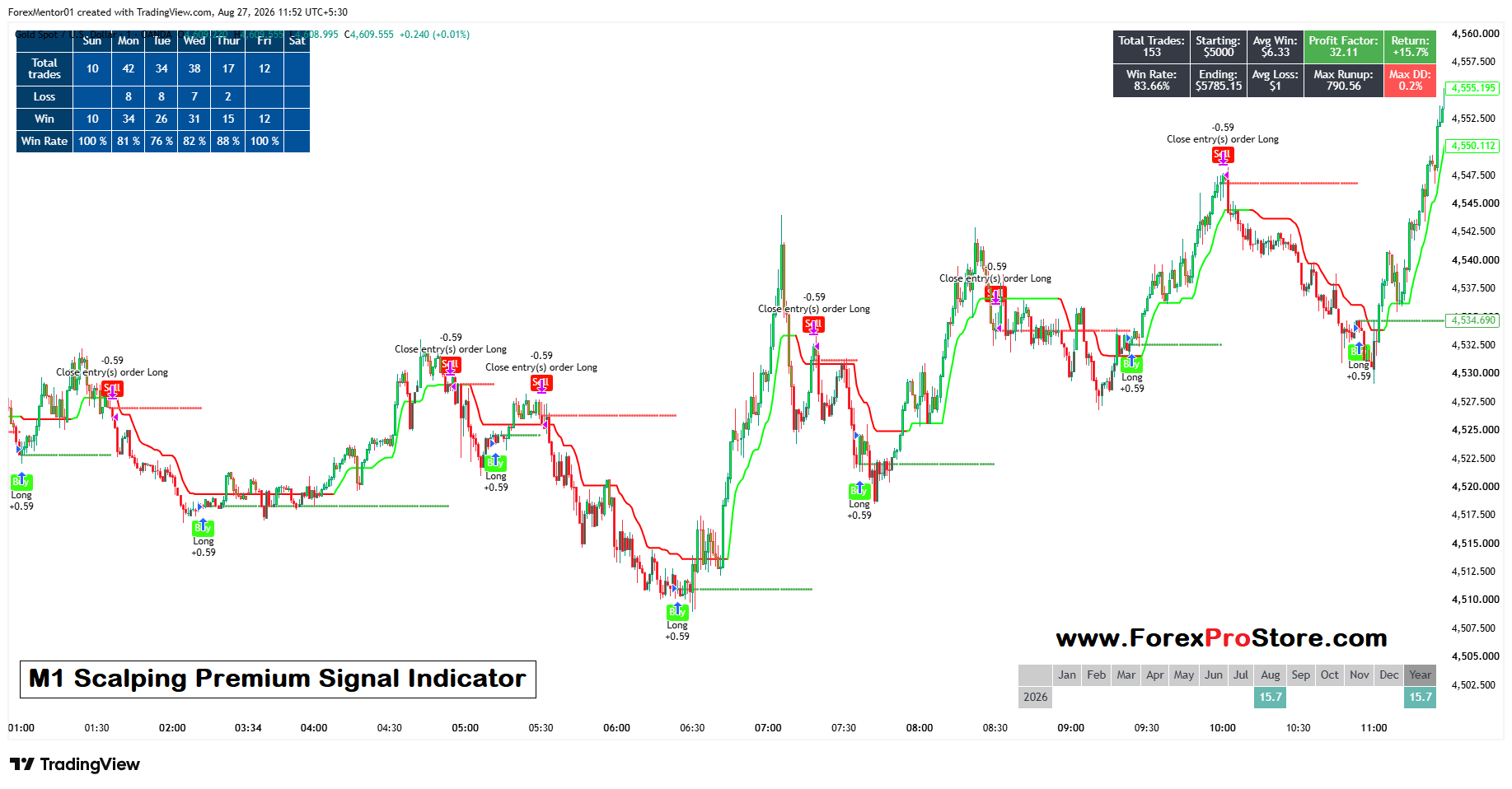
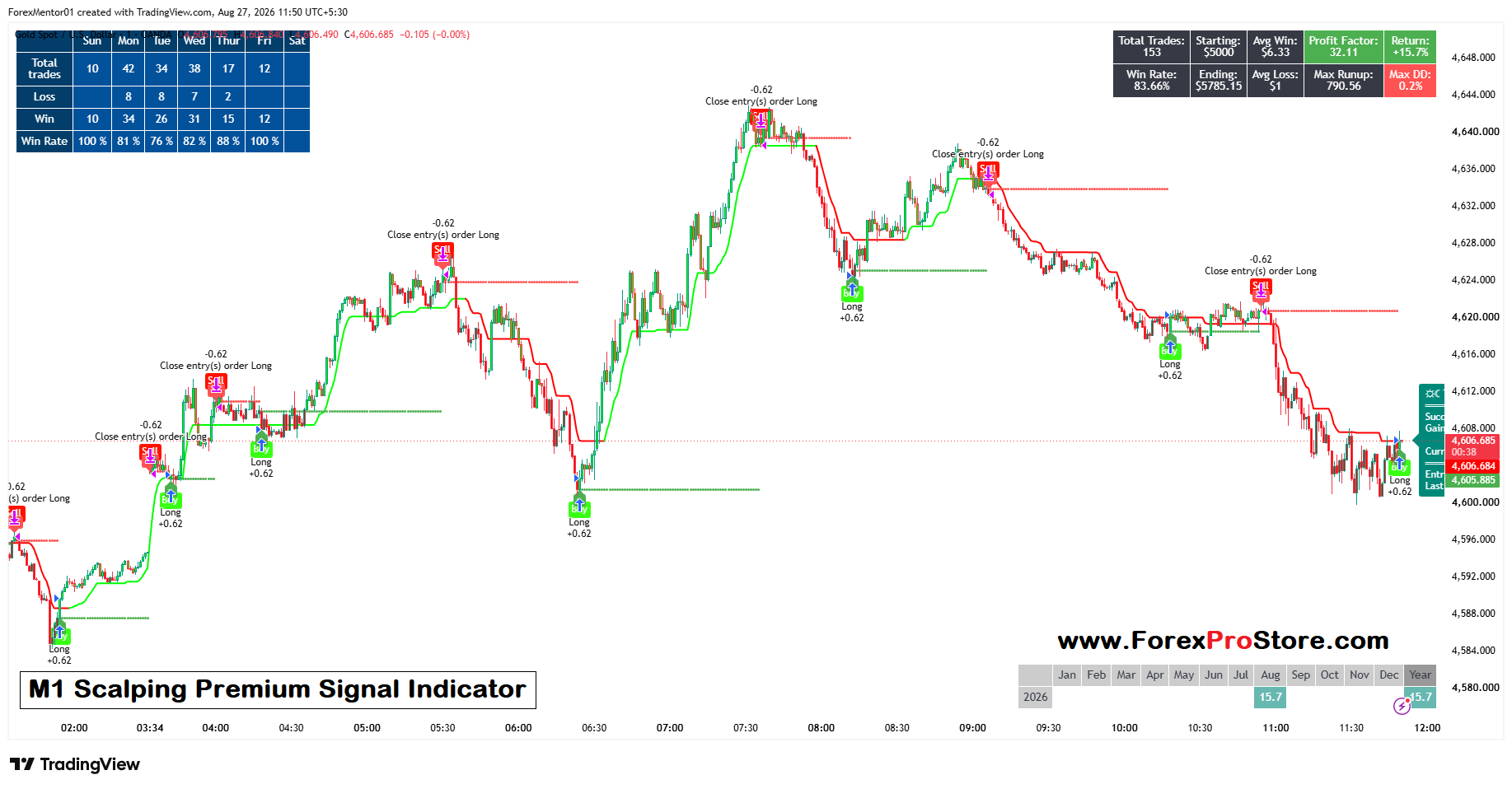
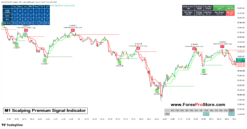
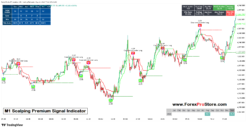
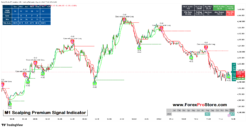
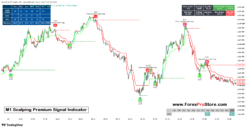
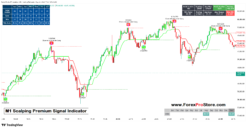
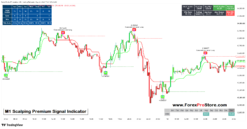
The M1 Scalping Premium Signal Indicator shown in the image is designed mainly for 1-minute (M1) scalping. It helps traders identify possible Buy/Long and Sell/Exit areas by following short-term price movements. The chart in your image is showing Gold (XAU/USD), but the same concept can generally be applied to other liquid markets.
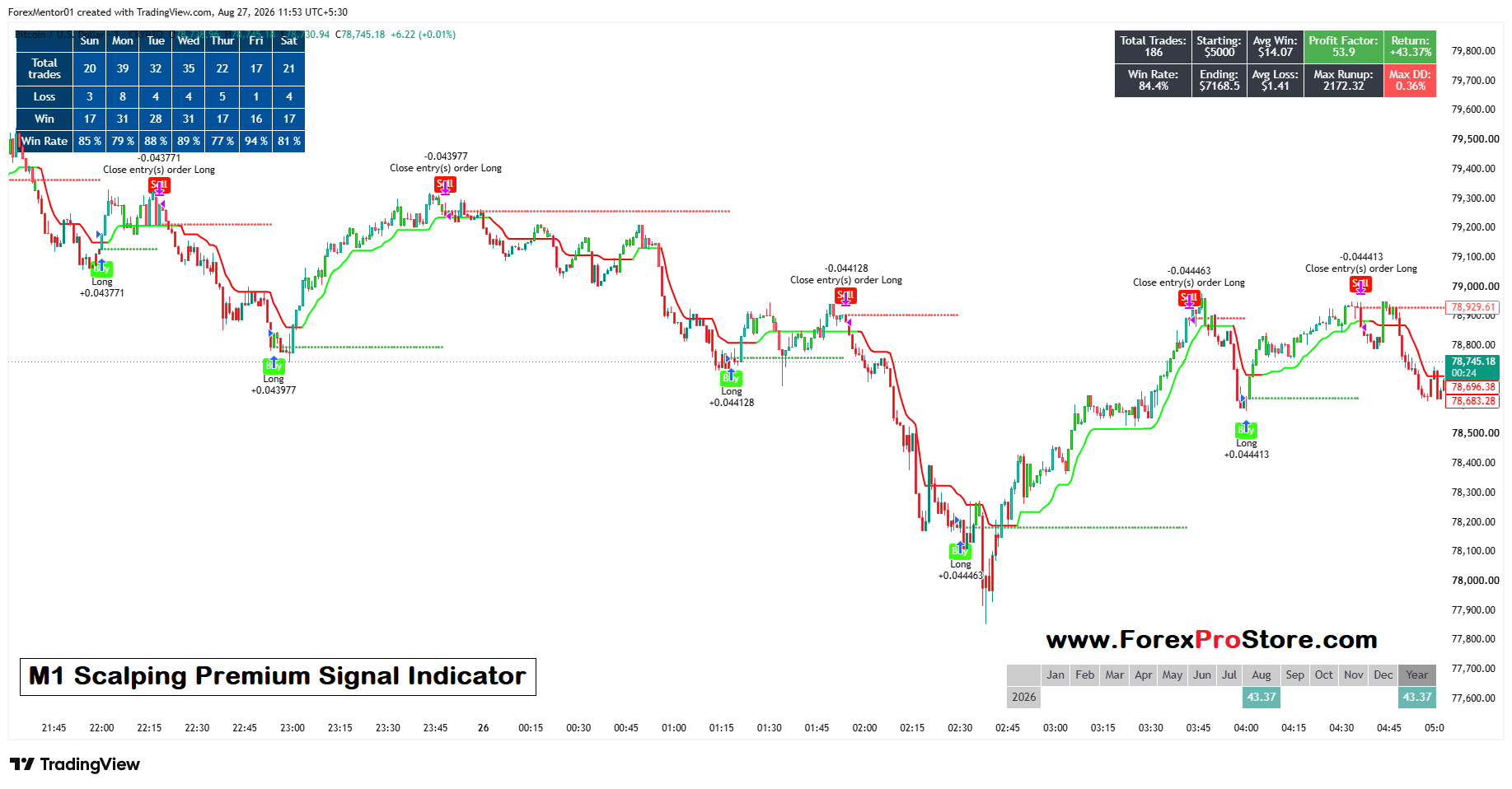
The indicator uses green and red lines, Buy signals, Sell/Close signals, and horizontal levels to help traders understand the current market direction.
1. How to Understand the Indicator
The easiest way to use this indicator is to first understand its colors and signals.
🟢 Green Line – Bullish Direction
When the indicator line is green, it generally suggests that the short-term market trend is moving upward.
For example, in your screenshot, when price starts moving higher, the indicator changes to green and follows underneath the candles.
This can be used as a confirmation for a Long/Buy trade.
🔴 Red Line – Bearish Direction
When the indicator line becomes red, it generally indicates that short-term momentum is moving downward.
When the red line appears above or around the price, traders can use it as a warning that the bullish move may be ending.
The screenshot shows several “Close entry(s) order Long” signals when the price starts reversing downward.
2. How to Take a Buy Trade
For M1 scalping, don’t simply buy every time you see a green line.
A simple method is:
- Open the 1-minute chart.
- Wait for the indicator to show a green/bullish condition.
- Look for a Buy/Long signal.
- Make sure the candle confirms the upward movement.
- Enter the Buy trade.
- Place a Stop Loss below a recent swing low.
- Exit when the indicator gives a closing/reversal signal or when your planned target is reached.
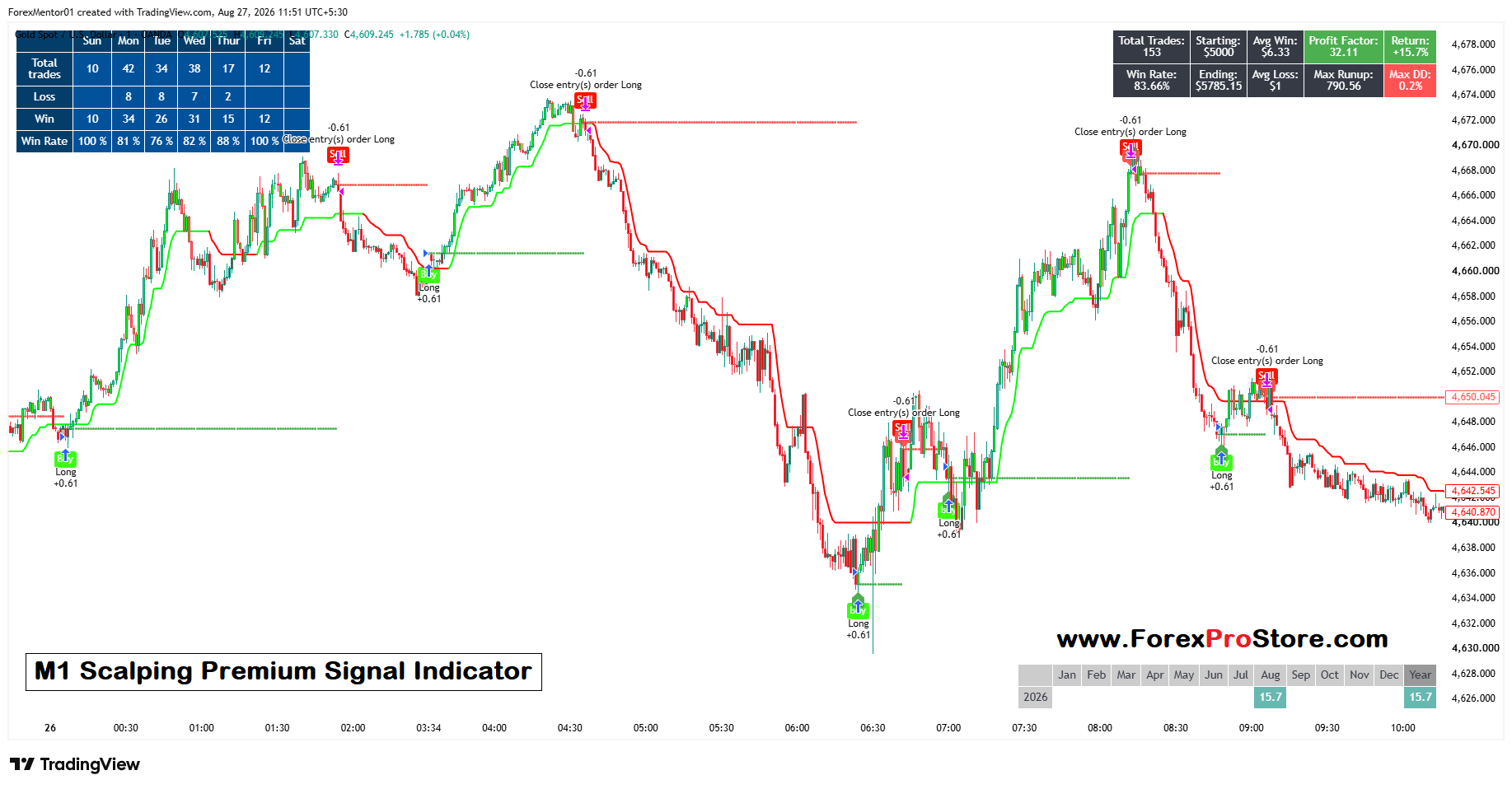
For example, in your screenshot, there are several “Buy Long +0.61” signals near the beginning of an upward movement. These are the types of signals a trader would watch for.
3. How to Exit a Buy Trade
This is particularly important because scalping requires quick decisions.
When you are already in a Buy trade and the indicator changes from green toward red, or produces a Close Long/Sell-type signal, it can be used as an indication to close the Buy position.
The screenshot contains labels such as “Close entry(s) order Long”, showing that the strategy is closing an existing Long position.
You should not wait for a large reversal if your trading plan says to exit earlier.
4. Use Stop Loss
Never depend entirely on an indicator.
Because the M1 chart moves very quickly, even a good signal can fail. A sudden news event, spread increase, or market volatility can cause the price to move against your trade.
For a Buy trade, the Stop Loss can generally be placed below a recent swing low.
For example:
Buy Entry → 4650
Stop Loss → 4647
Target → 4655
The exact levels should depend on market volatility and your risk-management rules.
5. Best Timeframe
This indicator is specifically presented as an M1 Scalping indicator, so its main purpose is the 1-minute timeframe.
However, you can use a higher timeframe for confirmation.
A simple approach is:
M15 → Identify overall direction
M5 → Check short-term trend
M1 → Find the entry
For example, if M15 and M5 are bullish and M1 gives a Buy signal, the Buy signal may have better context than taking a Buy against a strong higher-timeframe downtrend.
6. Benefits of the Indicator
✅ Easy-to-understand signals
The green/red lines and Buy/Close labels make the chart easier to read, especially for beginners.
✅ Helps identify short-term trends
It can help you recognize whether the market is currently moving upward or downward.
✅ Useful for scalping
M1 traders need quick information. The indicator provides visual signals directly on the chart.
✅ Helps with trade exits
Many traders focus only on finding entries. This indicator also shows closing/reversal signals, which can help traders protect profits.
✅ Reduces emotional trading
Having predefined entry and exit rules can reduce random decisions such as entering because of fear or exiting because of greed.
✅ Strategy performance can be monitored
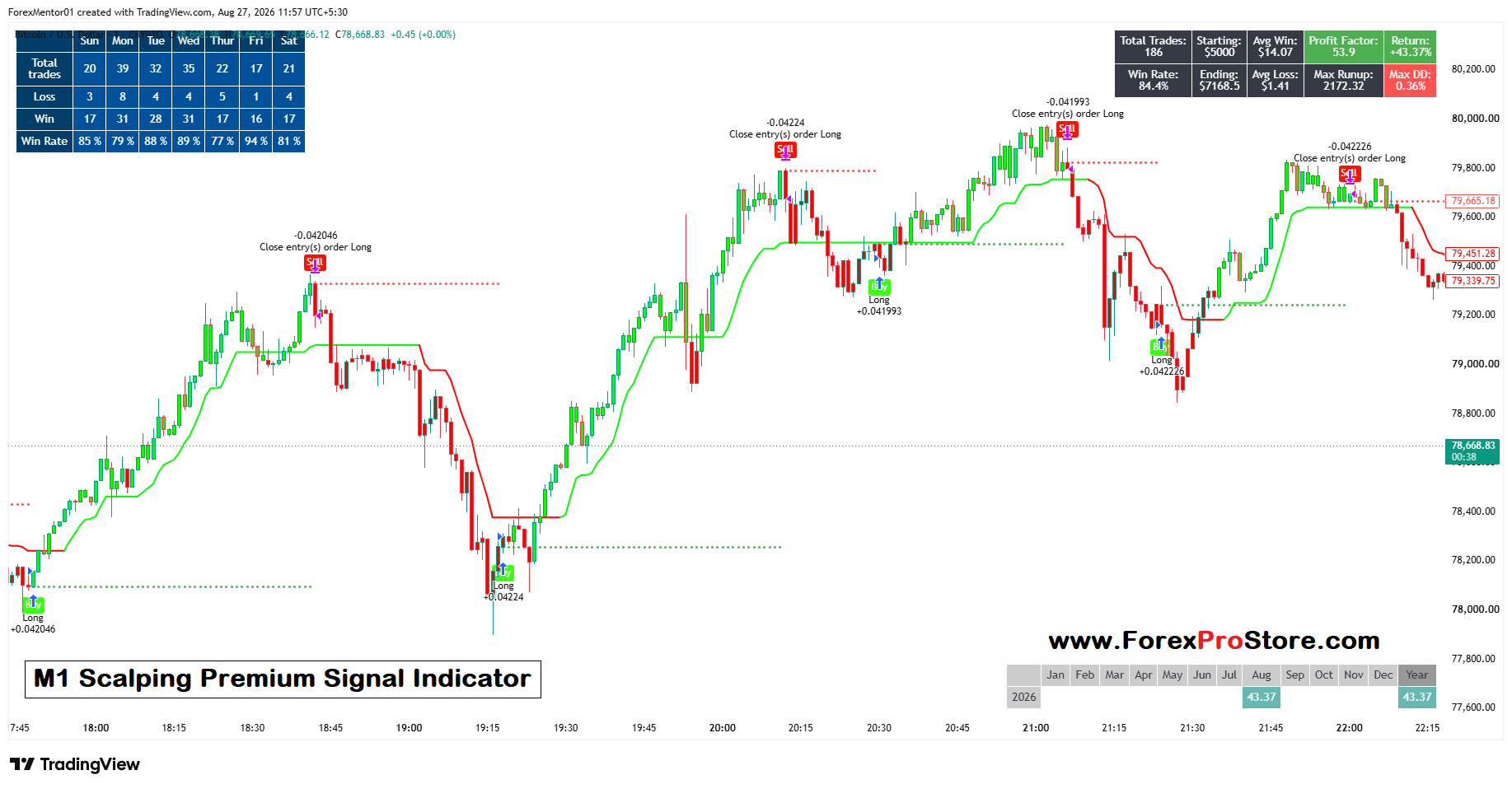
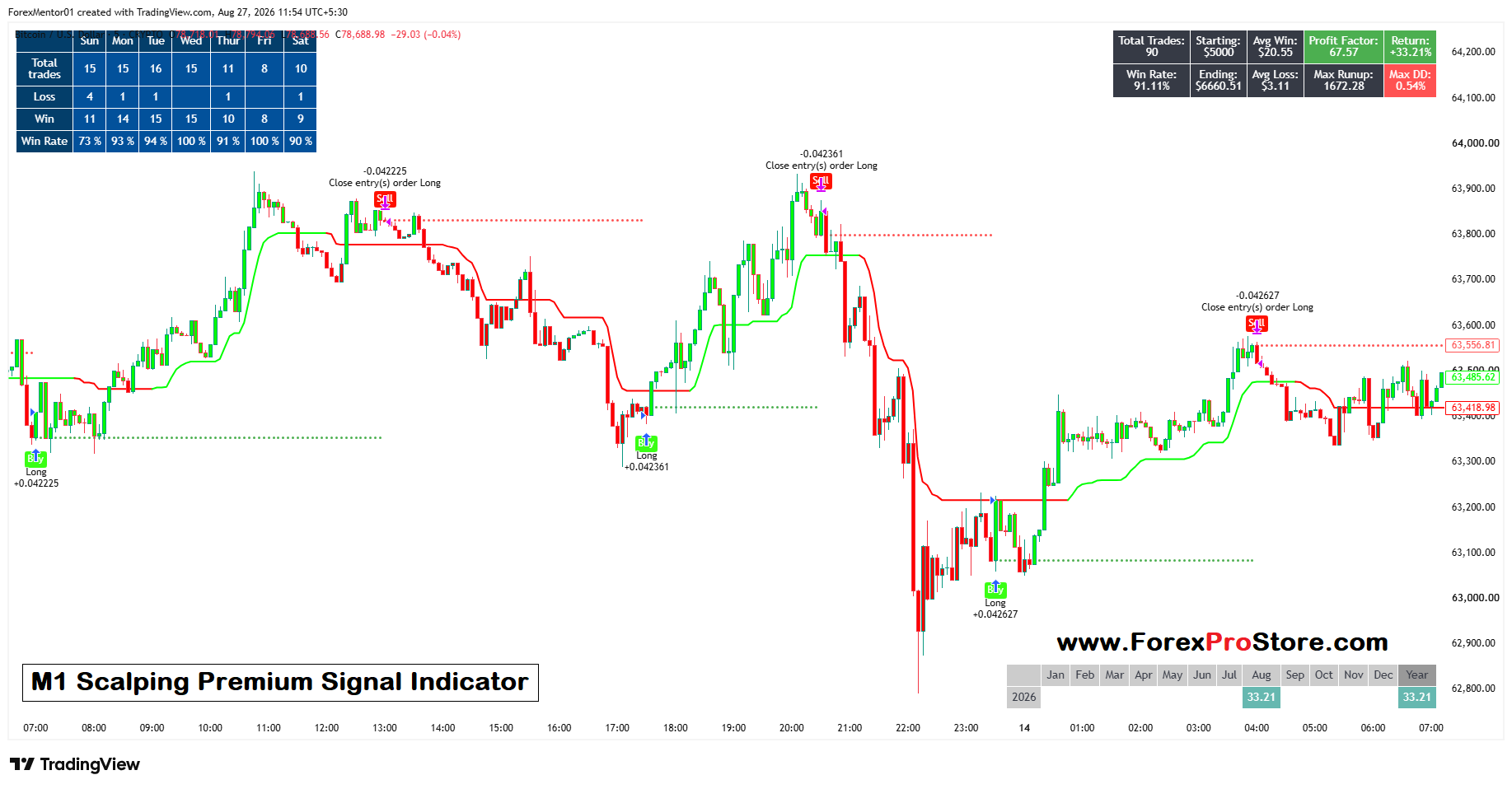
Your screenshot also shows statistics such as Win Rate, Profit Factor, Total Trades, Return, Maximum Drawdown and Runup. These can help evaluate how a strategy performed during the particular historical test shown.
Simple Trading Rule
A beginner-friendly approach could be:
🟢 Green trend + Buy signal → Look for Buy
🔴 Red/reversal signal → Consider closing Buy
Stop Loss → Always use one
Strong higher-timeframe trend → Prefer signals in that direction
Risk per trade → Keep small
TradingView Indicator Installation Method :-
Step 1 – Copy/Paste Custom Code
Step 2 – Open TradingView and open any chart.
Step 3 – At the bottom of the chart, click Pine Editor.
Step 4 – Click Open → New blank indicator (or New indicator).
Step 5 – Delete the existing code.
Step 6 – Paste your custom Pine Script code.
Step 7 – Click Save and give the indicator a name.
Step 8 – Click Add to chart.
All Done – Your custom indicator will now appear on the chart
Our Payment Options:👇
1) Bitcoin Wallet:
14vtHib35eUirhcXiKRUqUs7Ejcy51gFNu
2) USDT(Tether) Wallet: (ERC20)
0x254b7bdbea655bfaf428ffd8010945b04a369114
3) TRX(Tron) Wallet: (TRC20)
TJPTi6GtfAs2P2mJaAYsR4LhdKpvsa5KE3
4) XRP(Ripple): Tag(370508805)
rNxp4h8apvRis6mJf9Sh8C6iRxfrDWN7AV
And another crypto wallet: on request
5) Visa/Master Card Via Payment Link: On Request
6) Western Union: On Request
7) This Website(www.ForexProStore.com). You can purchase directly from website by Your Credit/Debit Cards and All crypto currencies and Instant Download Indicator Files.
Send payment screenshot to: 👇🏿
Payment After we will provide product within 30 minutes.
If you want any proofs of Indicator or have any questions then feel free to message
WhatsApp: Click Here
Telegram: Click Here
Mail Us: Click Here
Thank You ❤️
Related products
TradingView Indicators
TradingView Indicators
TradingView Indicators
TradingView Indicators
TradingView Indicators
TradingView Indicators
TradingView Indicators
TradingView Indicators