
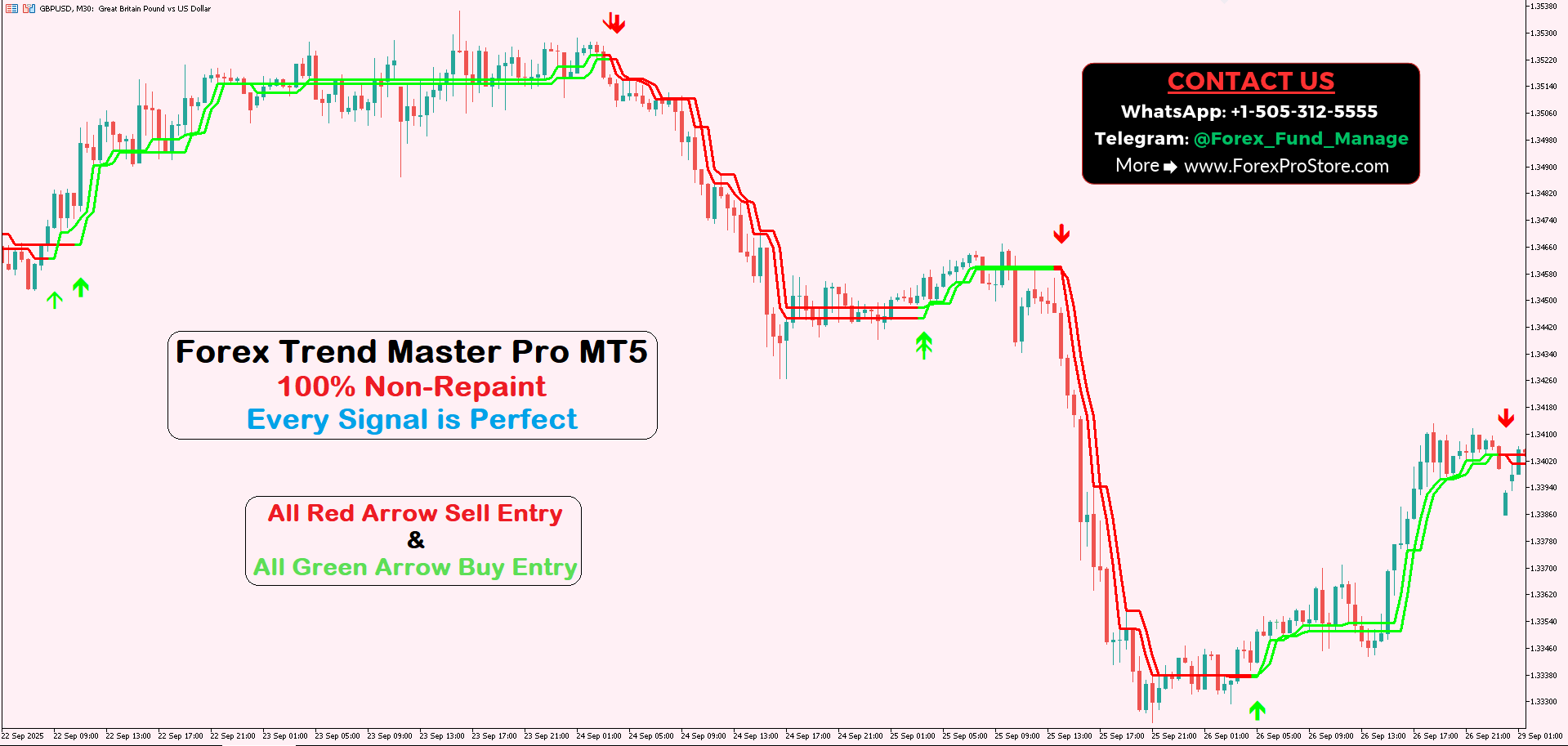
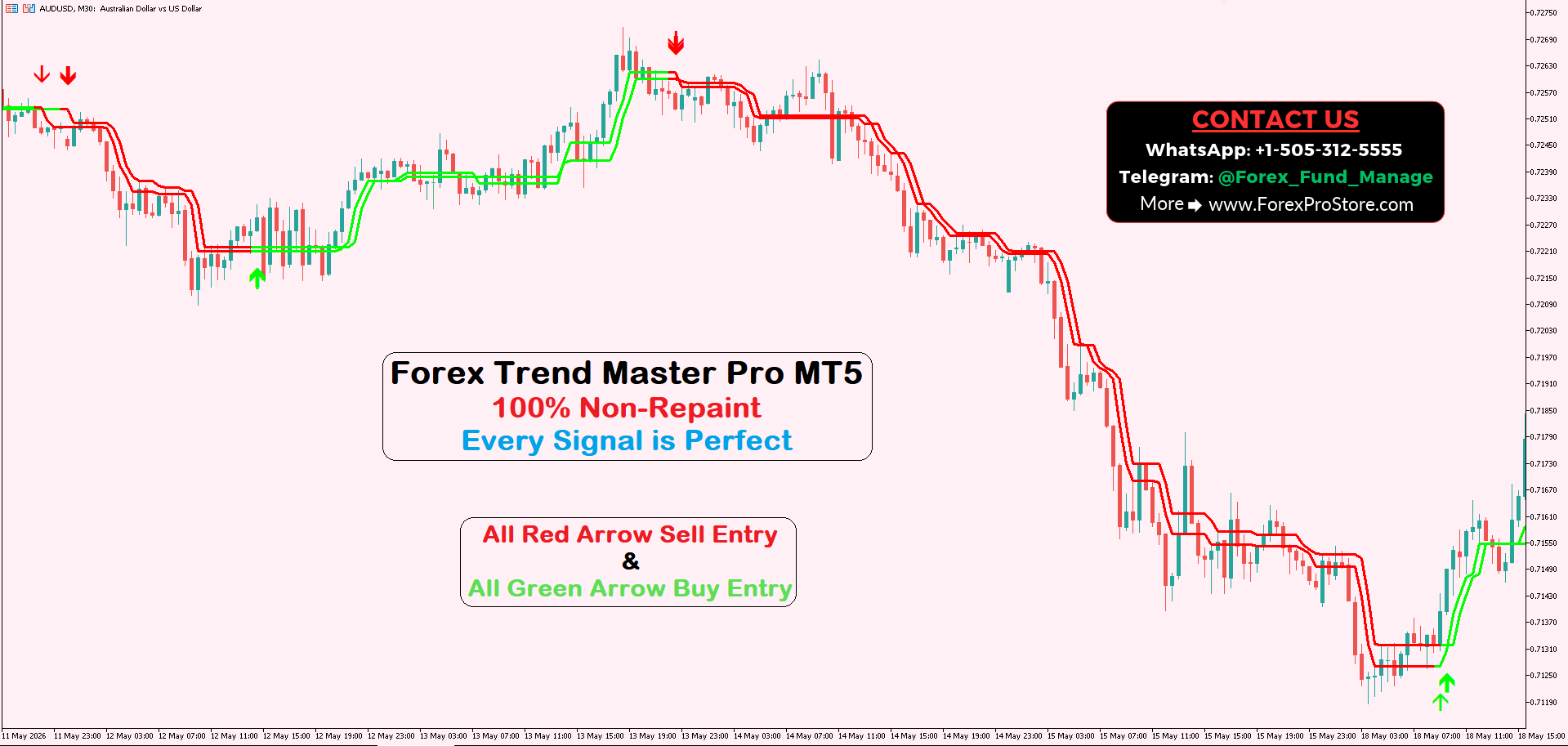
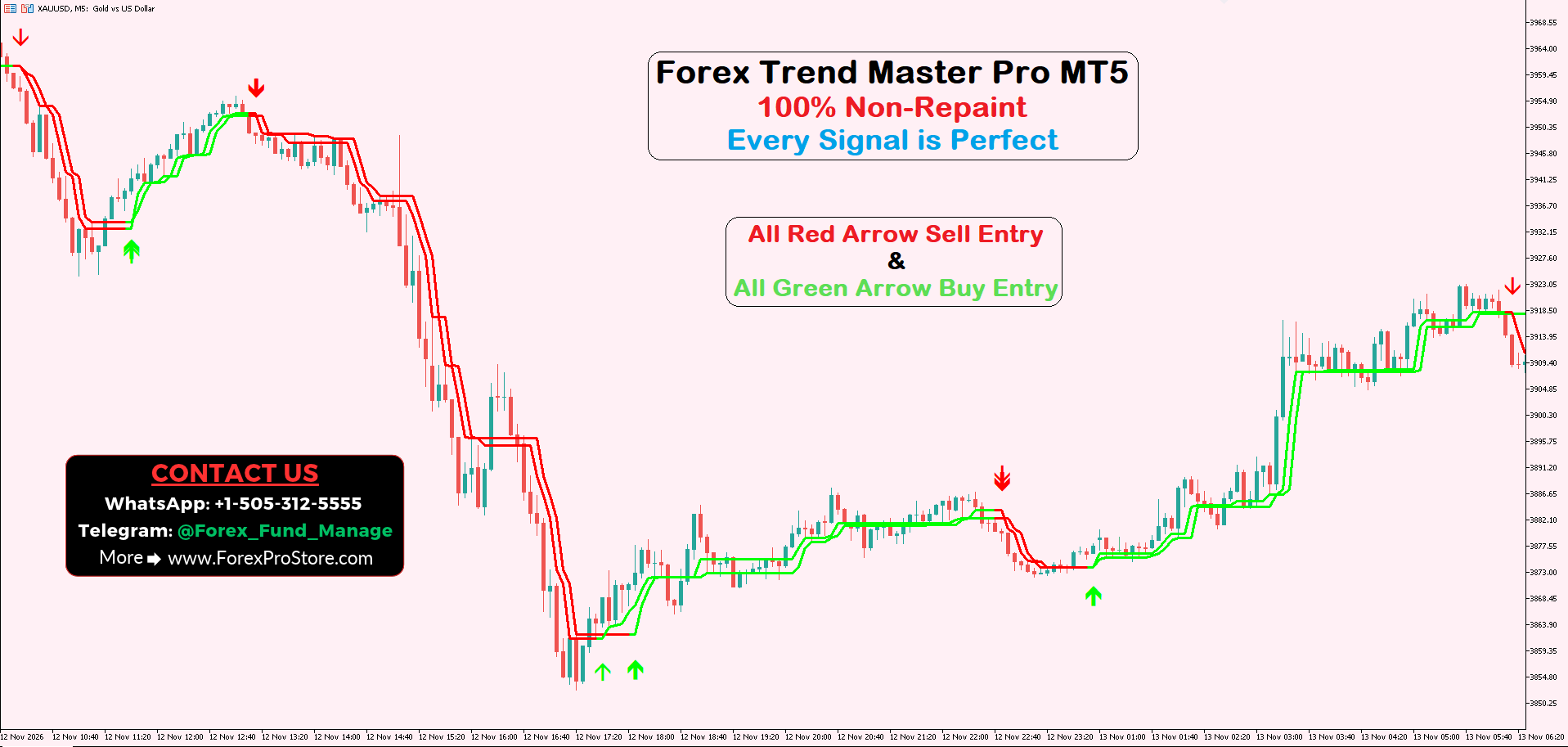
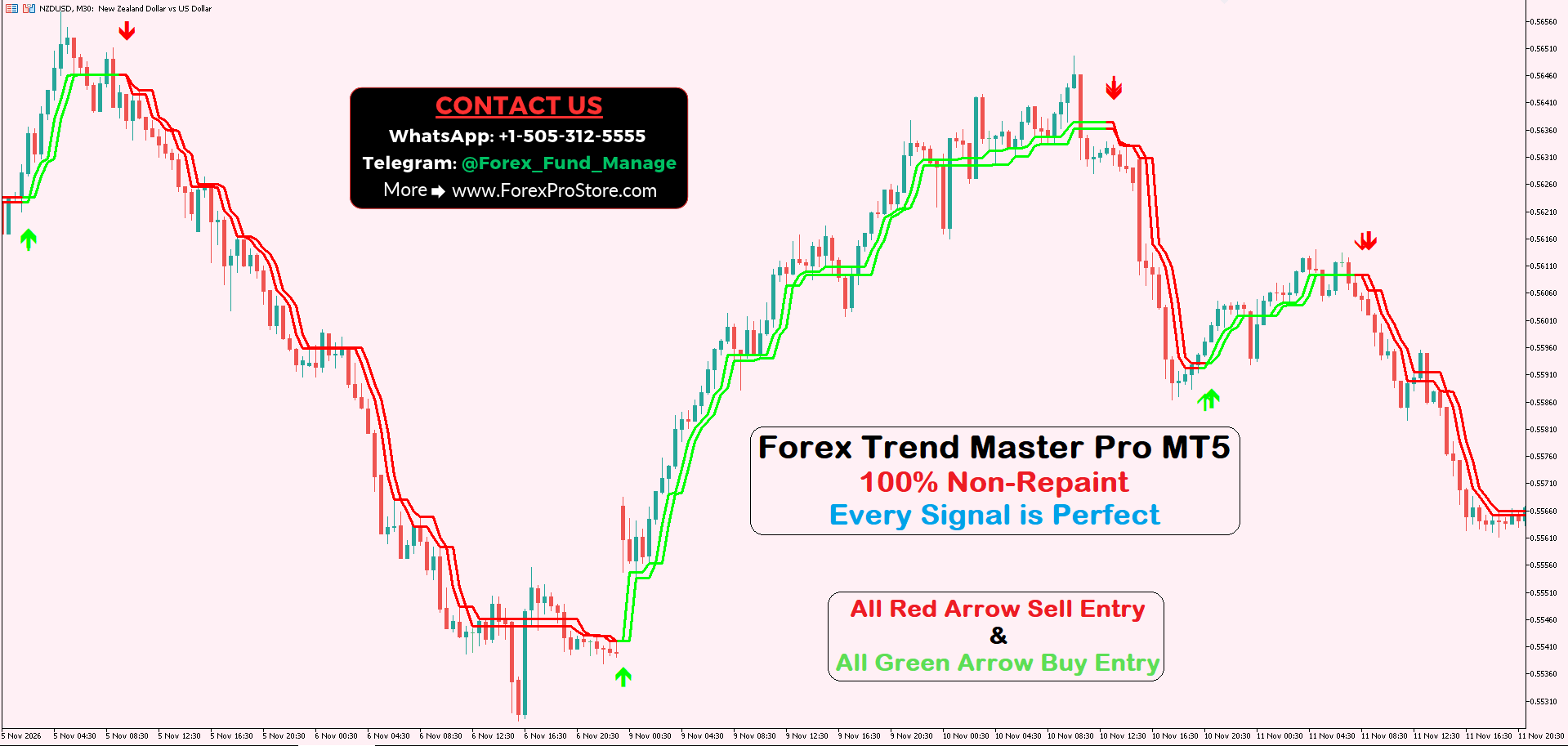
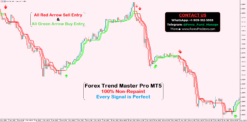
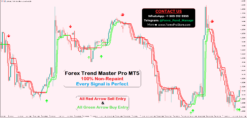
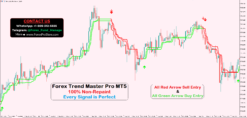
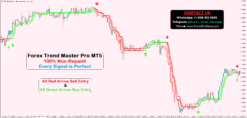
Forex Trend Master Pro MT5
Original price was: $500.00.$250.00Current price is: $250.00.
- Original Indicator
- 100% Non-Repaint
- Trading time: Every time
- Instant Download in Zip file
- Arrows Popup Sound Alerts
- Recommend Timeframe: M5, M15, M30, H1
- Use on unlimited MT5 accounts
- Type of strategy: Scalping and Long-Term
- Never repaint any trading signal, 100% guaranteed
- Built for Metatrader 5 (MT5 for PC and Laptop, MT4 for MAC)
- Works on Forex (all pairs), Commodities, Stocks, Metals, Gold…
- Recommended Broker: ICMARKET EXNESS
- Pay Once and Use for Lifetime
- Customer Support & Free Upgrades For Life Time
How to Use Forex Trend Master Pro MT5 Indicator – Complete Beginner’s Guide
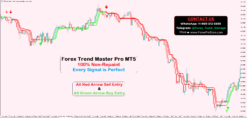
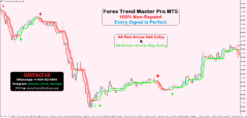
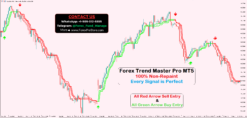
The Forex Trend Master Pro MT5 Indicator is a trend-following trading tool designed to help traders identify potential Buy and Sell opportunities in the Forex market. It uses colored lines and arrow signals to make market direction easier to understand.
This indicator is useful for beginners as well as experienced traders who want a simple way to analyze market trends without manually checking multiple indicators.
Let’s understand how to use it step by step.
1. Understanding the Indicator Signals
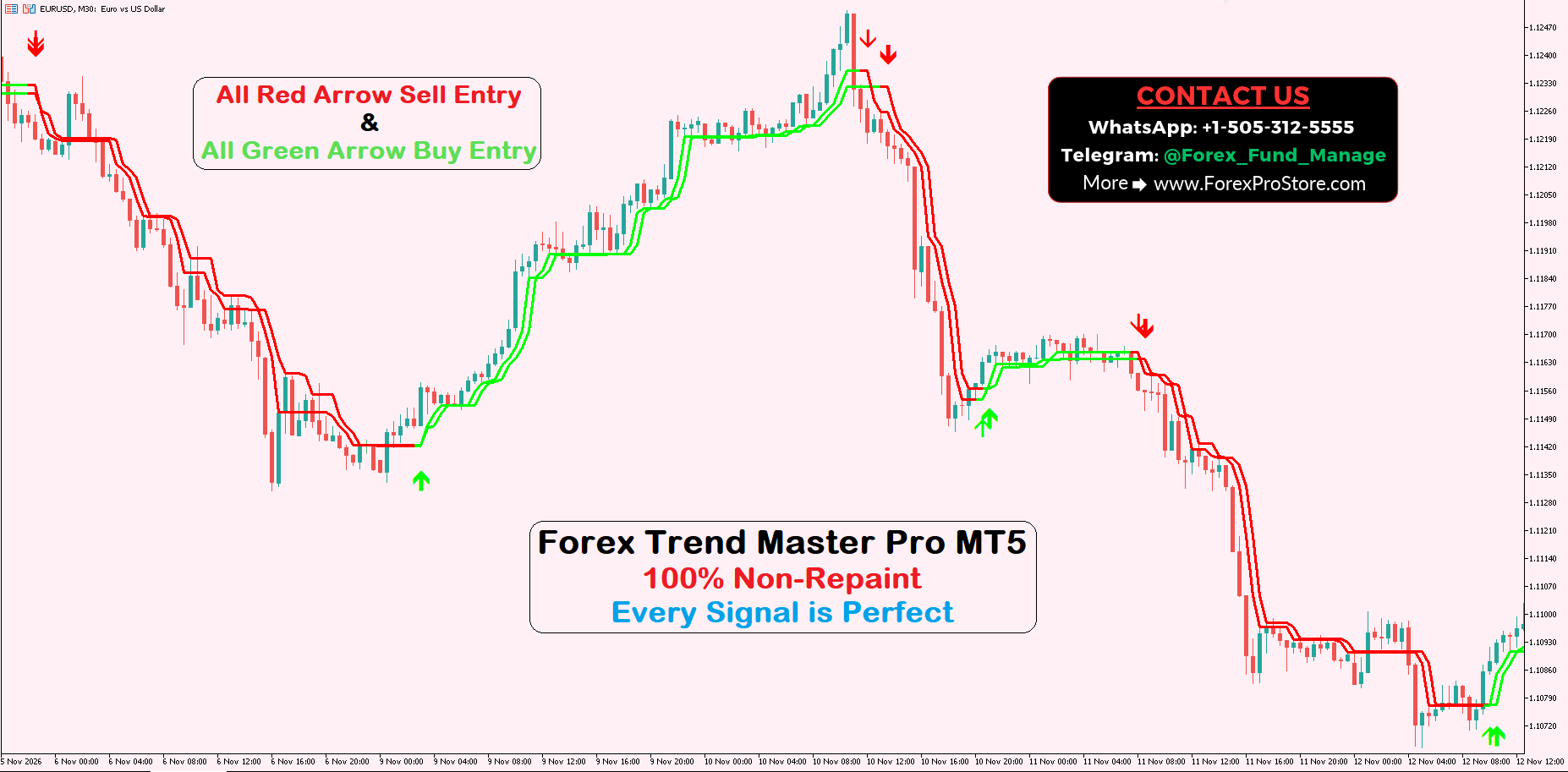
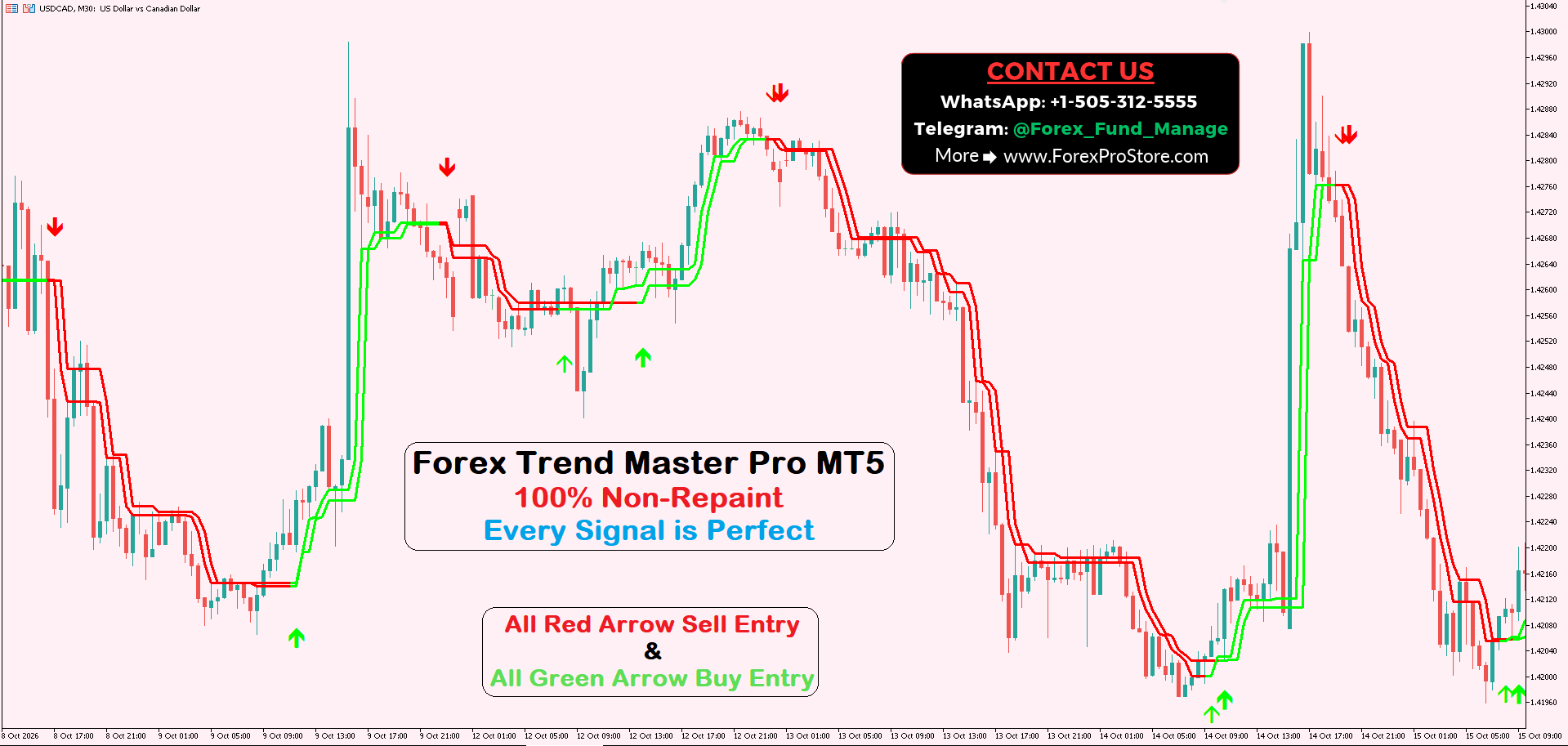
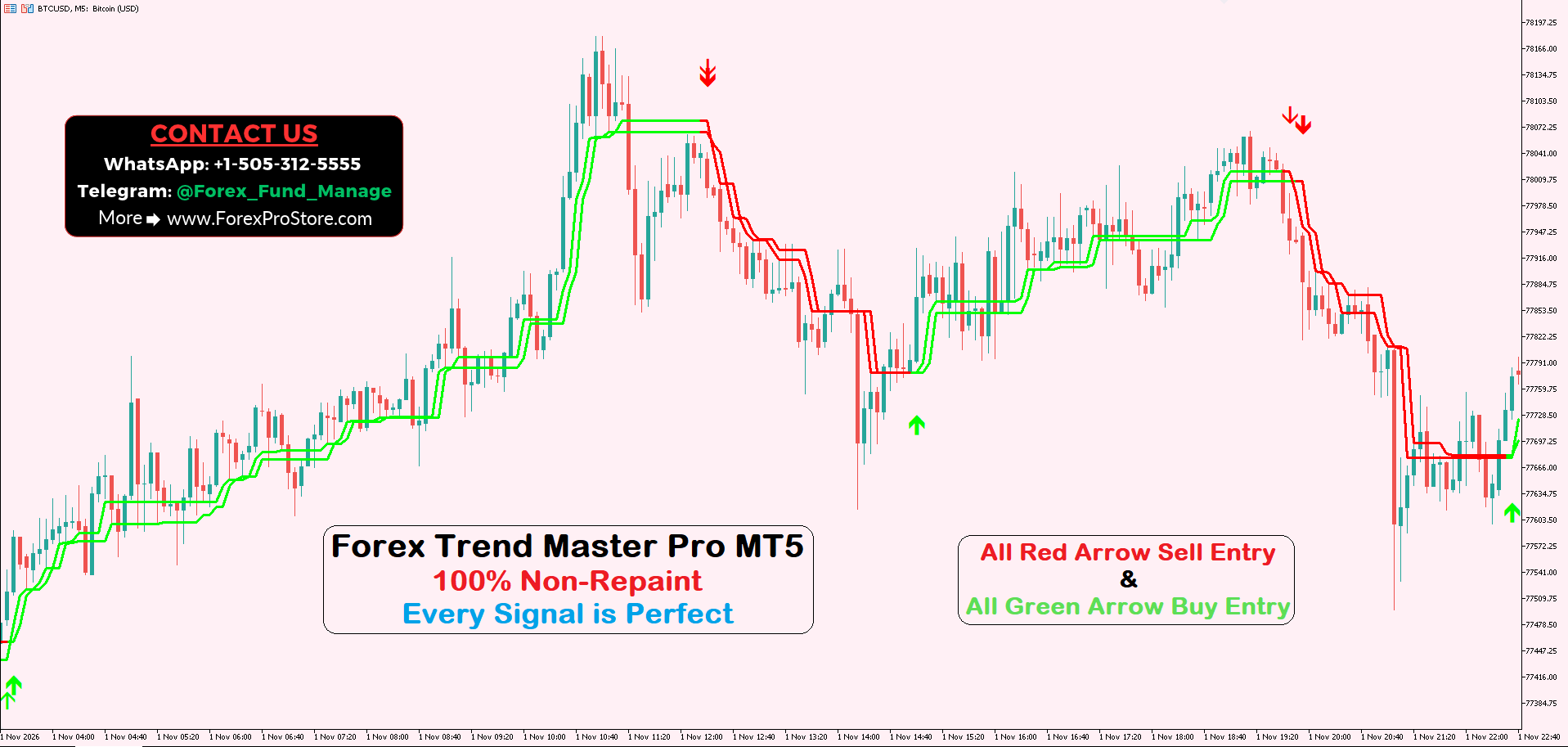
The Forex Trend Master Pro MT5 Indicator displays two main types of trading arrows on the chart.
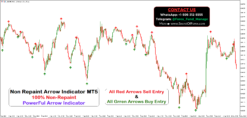
Green Arrow – Buy Signal
A green upward arrow indicates a potential Buy opportunity. It appears near the bottom of the price movement when the indicator identifies a possible bullish trend reversal or upward trading opportunity.
When you see a green arrow, it means the indicator is suggesting that buyers may be gaining control of the market.
Red Arrow – Sell Signal
A red downward arrow indicates a potential Sell opportunity. It appears near the top of the price movement when the indicator identifies a possible bearish trend reversal or downward trading opportunity.
When you see a red arrow, it means sellers may be gaining control of the market.
Always wait for the candle to close before making a trading decision, if the indicator’s signal confirmation rules require it.
2. Understanding the Red and Green Lines
The indicator also displays colored lines above or below the price candles. These lines help traders understand the current market direction.
Green Lines – Bullish Trend
When the green lines appear around or below the price candles, they can indicate bullish market conditions. This suggests that the market may be moving upward.
Traders can use this trend information to look for potential Buy opportunities.
Red Lines – Bearish Trend
When the red lines appear around or above the price candles, they can indicate bearish market conditions. This suggests that the market may be moving downward.
Traders can use this information to look for potential Sell opportunities.
The colored lines provide additional trend information alongside the arrow signals.
3. How to Take a Buy Trade
Follow these simple steps when looking for a Buy opportunity:
- Open your preferred Forex trading chart in MT5.
- Check the indicator’s colored trend lines.
- Look for a green upward arrow.
- Wait for the current candle to close.
- Check whether the market structure supports an upward move.
- If the signal is confirmed by your trading rules, consider opening a Buy position.
- Place a Stop Loss below a suitable recent swing low.
- Set your Take Profit according to your risk-to-reward ratio.
Example: If EURUSD is moving upward and the indicator displays a green arrow near a recent market bottom, it may indicate a potential buying opportunity.
4. How to Take a Sell Trade
Follow these steps when looking for a Sell opportunity:
- Open your preferred currency pair chart.
- Check whether the indicator displays red trend lines.
- Look for a red downward arrow.
- Wait for the candle to close.
- Check whether the market structure supports a downward move.
- If the signal is confirmed, consider opening a Sell position.
- Place a Stop Loss above a suitable recent swing high.
- Set your Take Profit based on your trading strategy.
Example: If EURUSD is moving downward and a red arrow appears near a recent market high, it may indicate a potential selling opportunity.
5. Which Timeframe Should You Use?
The indicator can be used on different chart timeframes, depending on your trading style.
- M5: Suitable for short-term trading and scalping analysis.
- M15: Useful for intraday trading opportunities.
- M30: Provides a broader view of short-term market trends.
- H1: Useful for identifying larger intraday trends.
- H4: Helps traders analyze longer-term market direction.
Beginners can start with M15 or M30 to avoid making decisions based on every small price movement.
6. Important Trading Tips
For better trading discipline, follow these tips:
- Avoid entering a trade just because an arrow appears.
- Always check the overall market trend.
- Wait for candle closure before confirming an entry.
- Use Stop Loss on every trade.
- Avoid trading during major economic news without understanding the risks.
- Do not risk too much money on a single position.
- Test the indicator on a demo account before using real money.
Conclusion
Forex Trend Master Pro MT5 is designed to simplify Forex chart analysis using colored trend lines and clear Buy and Sell arrows.
Green arrows help identify potential buying opportunities, while red arrows help identify potential selling opportunities. By combining these signals with market structure, proper risk management, and candle-close confirmation, traders can develop a more disciplined trading approach.
Related products
MT5 Indicators
MT5 Indicators